

Download CryptoTab Browser Promine – crypto manager, web browser, mining tool, Chrome extension compatible, cross-device sync
Overview
CryptoTab Browser PRO is a desktop web browser developed by CryptoCompany OU, designed for users interested in cryptocurrency mining and digital asset management. The software integrates a built-in mining algorithm that operates in the background while browsing the web, enabling users to earn Bitcoin (BTC) passively. It is particularly suited for individuals who spend significant time online and wish to generate cryptocurrency without dedicated hardware. The browser’s interface closely mirrors Google Chrome, providing a familiar experience for users transitioning from mainstream browsers.
It serves both casual internet users and crypto enthusiasts who want to monitor their digital wallets, track investment values in real time, and manage earnings from mining activity. The browser supports cross-device access, allowing users to synchronize data between PC and smartphone. This feature is beneficial for those who manage their crypto portfolios on the go. While the browser is capable of mining BTC automatically when tabs are open, optimal results depend on maintaining at least one active tab. The developer did not provide additional system requirements or performance benchmarks.
Key Features & Capabilities
- Built-in Cryptocurrency Mining – The browser automatically mines Bitcoin in the background while tabs are open, allowing users to earn BTC without additional software or hardware.
- Chrome Extension Compatibility – Full support for Chrome extensions enables users to enhance functionality, such as ad blocking, password management, and productivity tools.
- Cloud Boost Feature – This function increases the mining hashrate without overloading the device’s CPU or draining the battery, improving mining efficiency.
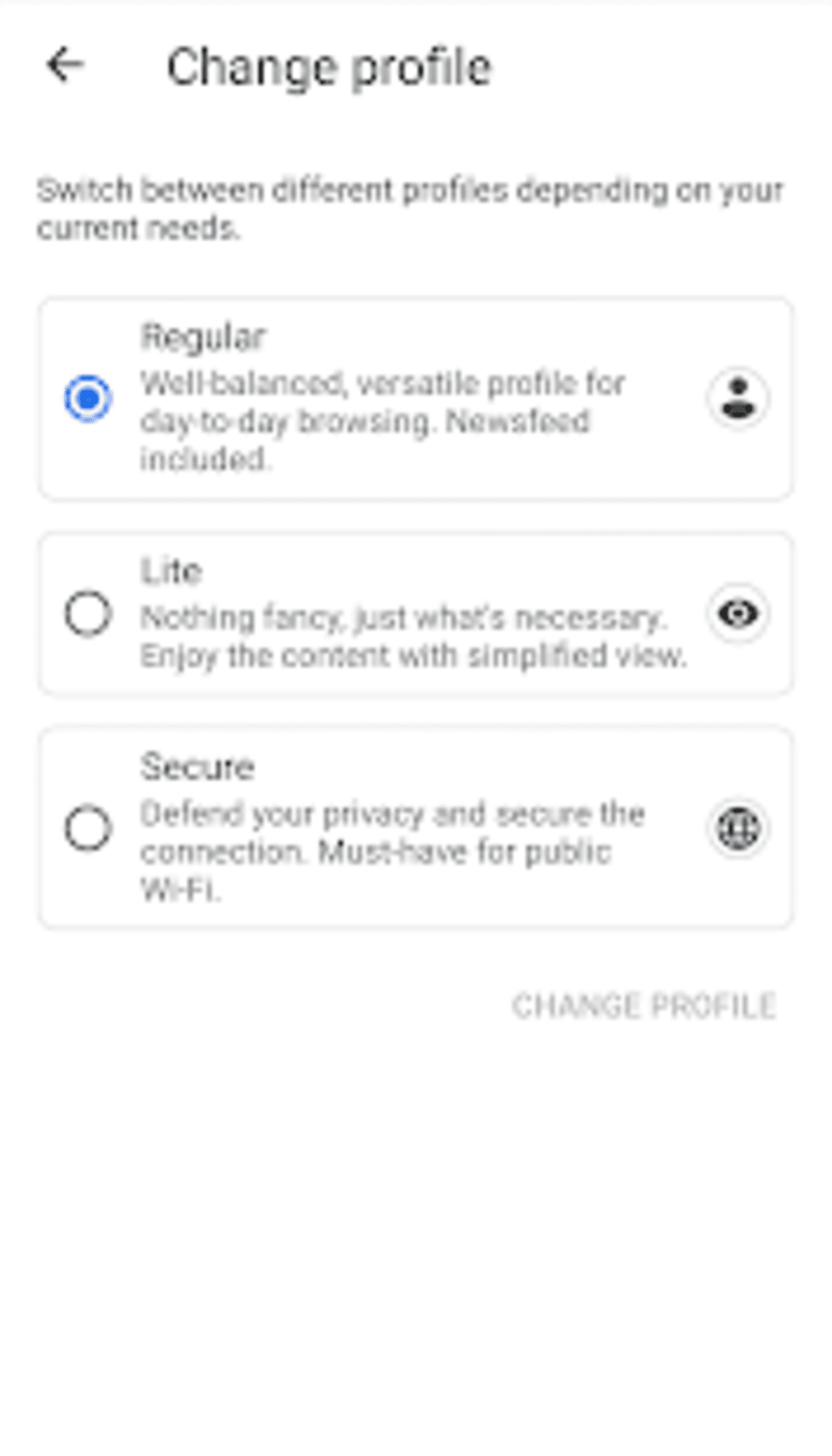
- Multiple Profiles – Users can create and switch between different profiles, including a Lite mode that reduces resource usage by minimizing background processes.
- Real-Time Earnings Dashboard – Displays BTC and USD balances, mining rate (H/s), and current BTC-to-USD conversion rates for continuous portfolio tracking.
- Secure Browsing Mode – Offers enhanced privacy protection by securing web connections and limiting data exposure during browsing sessions.
- Cross-Device Synchronization – Allows access to wallet data, mining history, and settings across multiple devices, including PC and smartphone.
These features collectively support a seamless experience for users who want to combine daily web browsing with passive income generation. The mining process is server-dependent, meaning performance may vary based on network conditions and server load. The browser is designed to operate efficiently without requiring users to manually initiate mining sessions.
User Interface, Workflow & Performance
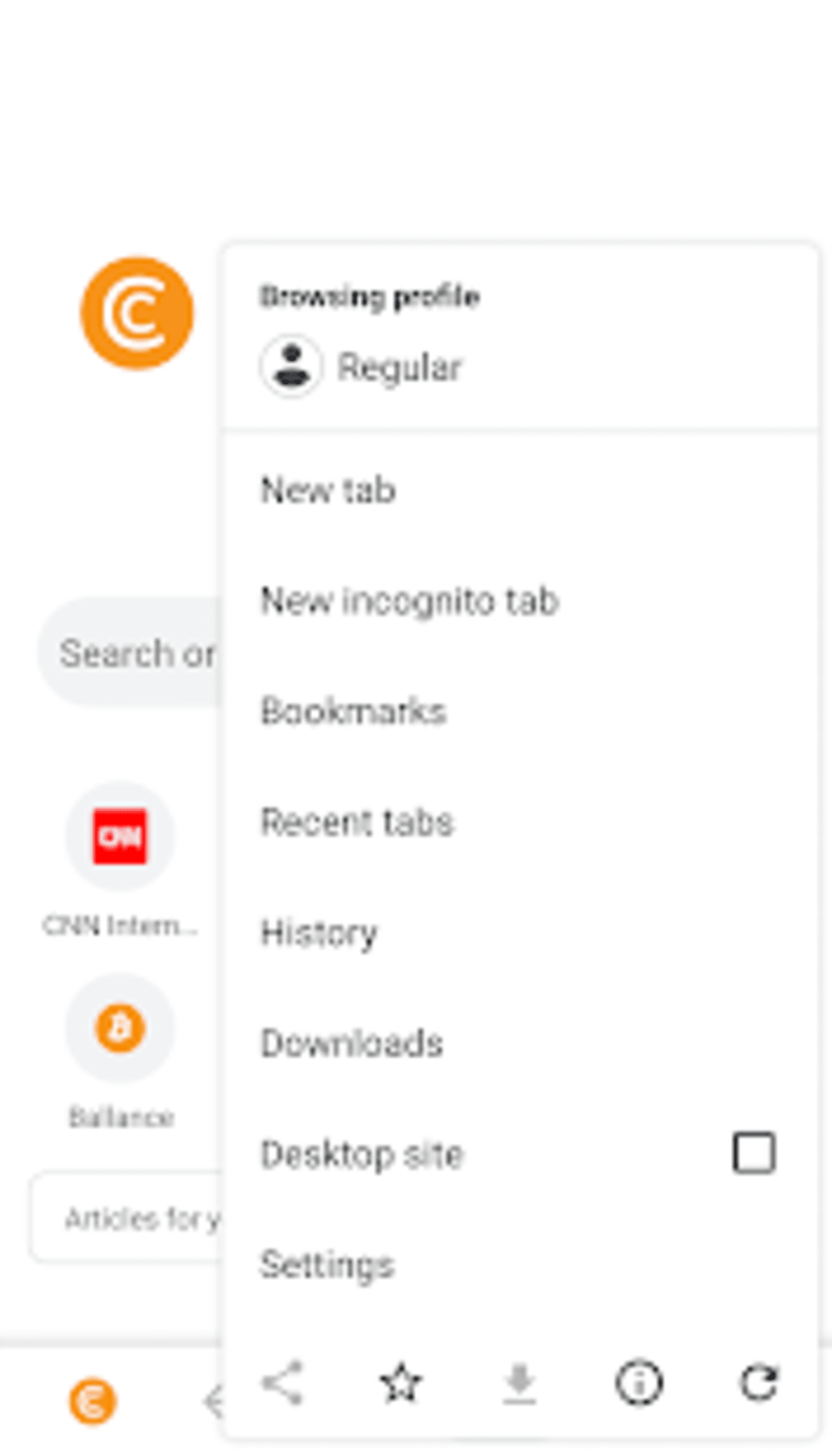
The user interface of CryptoTab Browser PRO closely follows the design language of Google Chrome, offering a clean, intuitive layout with familiar navigation elements such as the address bar, tab management, and settings menu. This similarity reduces the learning curve for users migrating from Chrome or other Chromium-based browsers. The workflow is streamlined, allowing users to open tabs, install extensions, and access mining and wallet features with minimal effort.
Navigation is consistent with standard web browsing practices, and the integration of mining is designed to be unobtrusive. Users can view their earnings, adjust mining settings, and switch profiles without interrupting their browsing experience. The developer did not specify resource usage details, including CPU or RAM consumption. Performance observations are based on general software behavior patterns. Stability is expected to be comparable to other Chromium-based applications, though real-world behavior may vary depending on system configuration and background processes.
Compatibility & System Requirements
CryptoTab Browser PRO is available for desktop platforms, supporting Windows and macOS as part of its operating system compatibility. The software is also compatible with mobile devices, enabling users to access their accounts and mining data across smartphones and PCs. The installation size is listed as {size}, though exact system requirements were not provided. The developer did not specify minimum hardware specifications, such as processor type, RAM, or disk space.
Compatibility information was partially provided. Users are advised to ensure their device meets general requirements for running Chromium-based browsers. The software version is {version}, released on {release_date}. The browser is designed to function with standard internet connectivity and does not require specialized hardware for basic operation.
Pros and Cons
Pros
- Integrates passive Bitcoin mining with everyday web browsing
- Familiar Chrome-like interface reduces adaptation time
- Supports Chrome extensions for added functionality
- Offers cross-device synchronization for seamless access
- Includes Cloud Boost and Lite profile options for performance tuning
- Real-time tracking of BTC balance and mining rate
Cons
- Exact performance and resource usage details were not specified
- Dependence on server-side mining may affect consistency
- Not suitable for users seeking full control over mining parameters
- Requires continuous internet connection for mining and syncing
- Privacy implications of background mining are not fully disclosed
FAQ Section
Is CryptoTab Browser compatible with Chrome extensions?
Yes, CryptoTab Browser PRO supports Chrome extensions, allowing users to enhance their browsing experience with tools like ad blockers, password managers, and productivity apps.
Can I use CryptoTab Browser on both PC and smartphone?
Yes, the browser is available on both desktop and mobile devices, enabling users to access their crypto wallet, mining data, and settings across multiple platforms.
How does the mining process work?
The browser automatically mines Bitcoin in the background when tabs are open. The mining rate depends on the number of active tabs and server-side performance. Users can optimize mining with features like Cloud Boost.
Is the software safe to use?
CryptoTab Browser PRO is designed to operate securely within standard browser frameworks. However, users should exercise caution when installing third-party extensions and ensure their device is protected with up-to-date security software.
What type of license does CryptoTab Browser have?
The software operates under a freemium model, with basic features available at no cost. Advanced functions such as Cloud Boost and unlimited withdrawals are available in the PRO version, which may require a paid subscription.
Final Thoughts + CTA
CryptoTab Browser PRO presents a unique blend of web browsing and cryptocurrency mining, offering a convenient solution for users who want to generate passive income while online. Its Chrome-compatible interface, extension support, and cross-device sync make it accessible and practical for a wide audience. While detailed performance data and system requirements are not available, the browser’s design prioritizes usability and integration with existing workflows.
It is particularly beneficial for crypto investors, digital asset managers, and individuals looking to monetize their internet usage without specialized equipment. For those seeking a simple, all-in-one tool for browsing and earning, CryptoTab Browser PRO delivers a compelling experience.
Download CryptoTab Browser Promine now






.png)
